Home / Baby & kids / Baby monitors / Miku Pro

Miku Pro
Clever breathing tracking without wearables, but pricey and phone-dependent
 Loupe's take: Strong, with a few catches. Who's Loupe?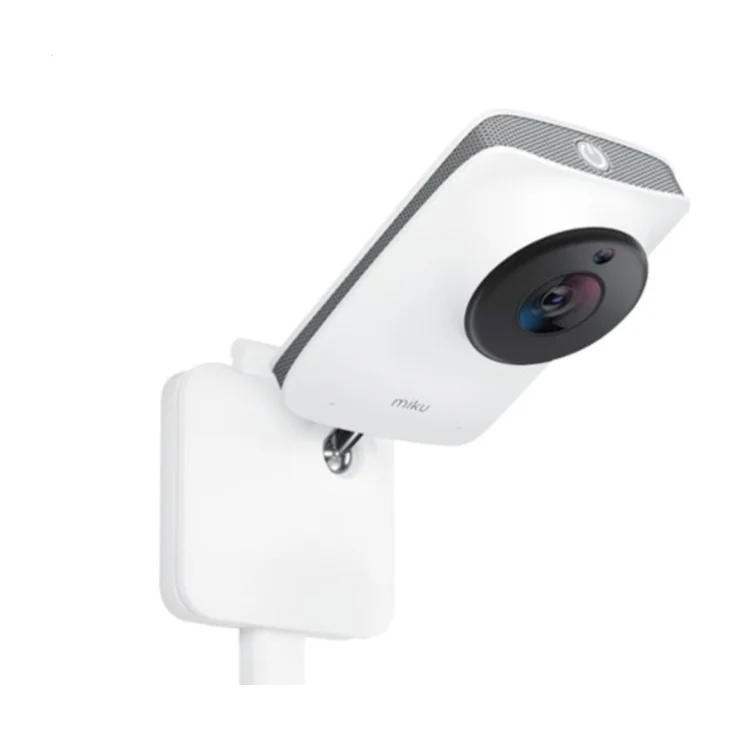
Photo: Miku
 Google Shopping
 Reddit
 YouTube
See how we scored it
Updated October 26, 2026
Three hands-on expert sources covered the Miku Pro, but only two published scores. Consumer Reports' rating sits behind a paywall, so the expert evidence is thin. PCMag rates it highly for clear 1080p video, strong speakers and subscription-free breathing tracking. BabyGearLab found the video weaker, the range poor and the value low at the top price in its group. Of 533 owner comments (487 first-hand), 35% praise the video and 17% the app, while 14% raise subscription costs, 11% call it poor value, 7% report connection drops and 5% say it broke. Retail feedback splits sharply: 4.79 stars across 344 brand-store reviews and 4.53 across 866 Google votes, against 1.12 stars from just 8 Walmart reviews, so the overall owner score is only 59 with medium confidence.
What each expert concluded
A very good smart baby monitor with excellent speakers, a clear camera and subscription-free contactless breathing tracking, though it narrowly misses the top spot because of a weaker app, no voice assistant support and no included floor stand.
Hands-on review · open the review ↗The page is a paywalled Consumer Reports listing for the Miku Pro that shows only specs and the categories its lab-based Overall Score covers, with no actual rating or conclusion visible.
Hands-on review · open the review ↗The Miku is an easy-to-use, low-EMF WiFi monitor with a unique breathing-tracking feature, but weak video, no zoom, poor range and the highest price in the group make it hard to recommend.
Hands-on review · open the review ↗Verdicts paraphrased; open a card to read the original. How we score
 The verdict in 10 seconds
 A great fit if
- You want to see your baby's breathing without bands, socks or clip-ons
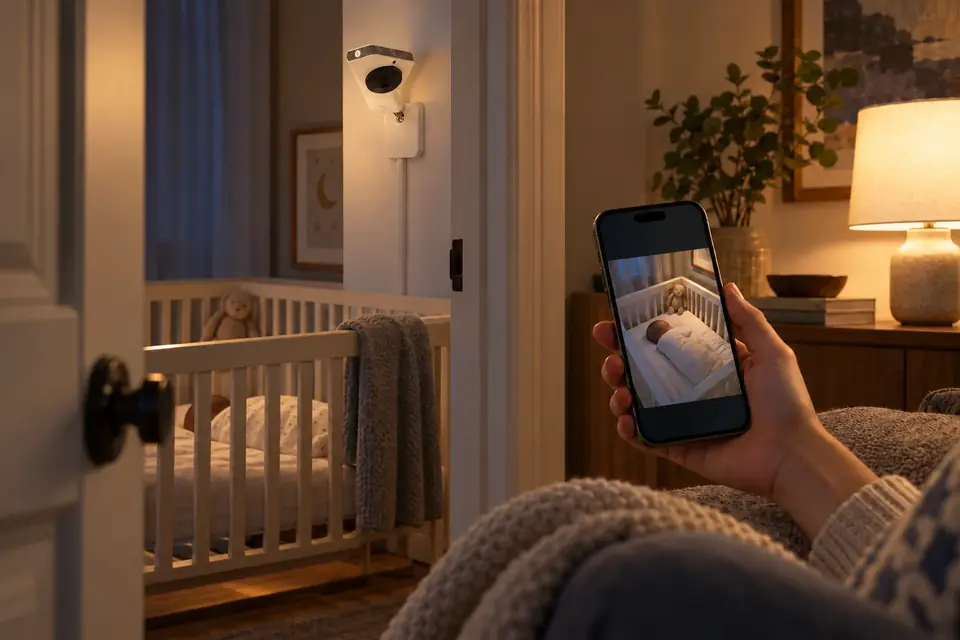
- You're happy using your phone as the monitor and are fine with a wall mount
- You'd rather not pay monthly just to see recent video clips
 May not suit you if
- You want a separate handheld parent screen or a battery-powered camera
- You need strong range or rock-solid connection across a large home
- You're watching your budget closely and want the most for your money
 What parents love and complain about
What they love
What they complain about
Share of 533 owner reviews and comments that mention each topic.
 The short version
This is a Wi-Fi camera that watches your baby's breathing from across the room, with no bands or special clothing, and you see everything on your phone. Living with it is mostly easy: setup is quick, the picture is usually clear, the speakers are strong, and basic cloud clips are free. The catch is the high price, a sometimes glitchy app, and no handheld screen. It suits parents who want breathing peace of mind and don't mind relying on their phone.
 We researched 3 expert reviews, analyzed 1,399 owner ratings and
comments across 6 sources, and cross-checked them into one verdict, so you don't have to.
We researched 3 expert reviews, analyzed 1,399 owner ratings and
comments across 6 sources, and cross-checked them into one verdict, so you don't have to.
 Ratings across the web
Google ShoppingRedditYouTubeShop ratings lean positive (happy buyers, brand-moderated stores); forums lean critical (people post problems). Our parents score weighs both equally.
 Quick answers
How do you mount the Miku Pro camera?
On the wall, using the kit in the box. The wall-mount hardware and tools come included, but a floor stand is a separate, pricey extra.
Based on: PCMag notes the included wall kit; the floor stand costs $99 extra.How should you position the Miku Pro baby monitor?
Mount it on the wall with a clear view of the crib. Breathing tracking reads your baby's movement through the camera, so a clear, steady view matters.
Based on: Experts describe camera-based breathing tracking and a wall mount designed for it.How does the Miku Pro baby monitor app work?
It turns your phone or tablet into the parent screen. You get live video, two-way talk, breathing and sleep tracking, and up to eight cameras in one app, and it can still stream directly if your internet drops.
Based on: PCMag and Consumer Reports describe app-only viewing; 17% of owners praise the app.Why is the Miku Pro baby monitor sound not working?
It's often the phone, not the camera. Audio can cut out when the app runs in the background, and it stops during phone calls.
Based on: PCMag and BabyGearLab both report audio dropouts tied to phone use.Is the Miku Pro the best baby monitor?
It depends on what you value. It stands out for breathing tracking without wearables and free cloud clips, but rivals offer better value, range and app polish.
Based on: PCMag rates it very good; BabyGearLab finds it hard to recommend at its price.How much does the Miku Pro cost?
Usually $399 in the US. Prices move with sales, so check the current price.
Based on: Prices quoted in expert reviews and at Amazon.com.What does the Miku Pro cost to run?
Mostly replacement parts and supplies
- No subscription required for cloud storage (7 days of events free)
- Optional floor stand: $99
- 14% of owners still mention subscription costs as a concern
Has the Miku Pro been recalled?
No. We found no U.S. safety recalls for this model.
Based on: U.S. Consumer Product Safety Commission recall records.As an Amazon Associate we earn from qualifying purchases. It never changes a score.
Alternatives
All alternatives →- 01
 EXPOWNREL77
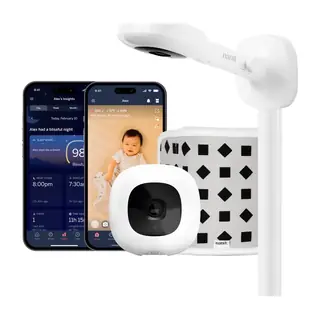
Nanit Pro
Superb video and sleep tracking, but it costs extra to unlock everything
- 02
 EXPOWNREL75
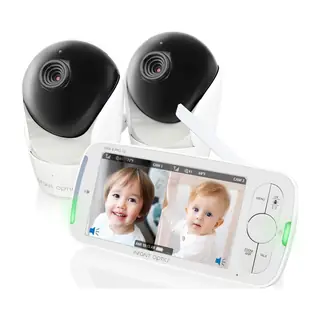
Infant Optics DXR-8
Simple, private monitor with long battery life, but hardware has weak spots
- 03
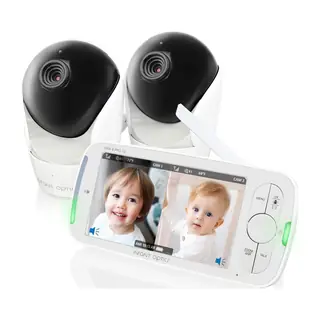
 EXPOWNREL67
Infant Optics DXR-8 Pro
Sharp, simple, hack-proof monitor, but durability is a real worry